
Optimize Ad Performance with Vexly + Meta Ads
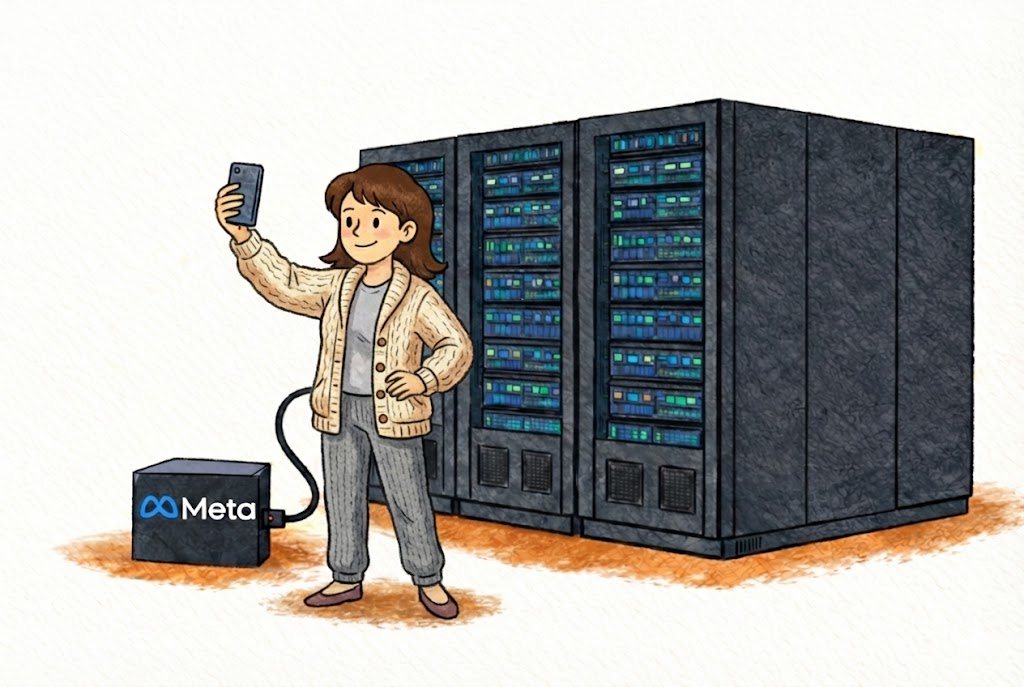
Vexly + Meta Ads
Campaign intelligence, delivered where your team already works
The Problem: You're a Human Reporting API
Your VP pings you on Slack: "How's the new campaign looking?" You open Meta Ads Manager, filter by today, cross-reference yesterday's baseline, screenshot the table, paste into Slack. Seven minutes to answer a yes-or-no question. Multiply that across your team and you lose hours every week just retrieving and relaying performance numbers.
It's not just the VP. Your creative lead wants to know which formats are converting. The finance team needs month-to-date spend against budget. A client-facing account manager needs numbers before a 2 PM call. Every question follows the same pattern: open Ads Manager, filter, screenshot, paste. The person with Ads Manager access becomes the team's unofficial reporting API -- answering questions instead of optimizing campaigns.
Vexly Turns Ad Data Into a Conversation
Vexly connects to your Meta Ads account and surfaces campaign data inside Slack, Discord, or Teams. Ask in plain English, get an answer in seconds. CPA, ROAS, CTR, daily spend, impressions, reach, frequency, and conversion tracking are all available through natural language -- just ask.
This covers campaign-level performance, ad set breakdowns, audience insights, budget pacing, and historical comparisons. Information stops being something one person retrieves and relays -- it becomes something anyone on the team can access directly.
Before and After on Campaign Launch Day
Without Vexly, your marketing director asks how the new campaign is performing two hours after launch -- the media buyer opens Ads Manager, pulls numbers, screenshots, and pastes into Slack. The creative team wants to know which ad format is winning -- same person, same workflow. Finance asks if spend is pacing correctly -- another round trip. By end of day, the media buyer has spent more time relaying data than optimizing bids.
With Vexly, every one of those interactions takes seconds. The director gets a performance snapshot instantly. Creative sees which formats drive clicks without waiting. Finance checks budget pacing on their own. Everyone self-serves. The media buyer spends their day on strategy, not screenshots.
Each question only takes a few minutes the old way, but a dozen of them scattered across a launch day fragments the one person's focus who could actually be improving performance.
What You Can Ask Vexly
Top Queries for Paid Media Teams
"How did our campaigns perform yesterday?"
Full snapshot: spend, impressions, clicks, conversions
"What's the CPA for our Spring Sale campaign this week?"
Drill into specific campaigns instantly
"Which campaigns are over budget this month?"
Catch budget overruns before they drain quarterly allocation
"Compare ROAS across all active campaigns this week vs. last week"
Spot performance trends and allocate budget to what's working
"What's our total ad spend month-to-date across all accounts?"
Budget pacing at a glance without building a custom report
Every question is interpreted in context, so you can ask follow-ups or compare campaigns without starting over.
Who Benefits
Paid Media Managers stop being the team's reporting API and focus on strategy -- bid optimization, audience testing, creative iteration -- instead of fielding data requests all day.
Marketing Directors get campaign performance on demand before leadership meetings. No more waiting for someone to pull numbers or relying on yesterday's email report.
Creative Teams see which ad formats, copy variations, and visuals drive clicks in real time. Faster feedback loops mean faster creative iteration.
Agency Account Managers pull live client data into a shared channel instead of scrambling to build reports 30 minutes before a call. Clients get answers in real time during the meeting itself.
Finance and Operations independently check budget pacing and spend trends without requesting reports from the marketing team.
The Campaign Launch Playbook
Pre-launch: Ask Vexly to summarize current campaign performance so you have a clean baseline. Know exactly where you stand before the new campaign starts competing for budget.
First few hours: Monitor early signals -- impressions, CTR, and initial CPA. Ask "How is the new campaign performing compared to our baseline?" to catch setup issues before they burn budget.
Day two and beyond: Compare performance across ad sets and creatives. Ask "Which ad set has the lowest CPA?" to start shifting budget toward what's working. Surface underperformers before they waste a week of spend.
Weekly review: Get a full performance summary across all active campaigns. Share it in your marketing channel so the entire team -- creative, strategy, finance -- sees the same numbers without a meeting.
Pro Tips
Start every morning with a spend check. Ask "What did we spend yesterday across all campaigns?" Catching a budget anomaly at 9 AM saves thousands compared to discovering it at end of month.
Set up a dedicated #paid-media channel. Pin Vexly so anyone -- creative, finance, leadership -- can ask campaign questions without interrupting the media buyer. Self-service data access means fewer Slack DMs and more focus time.
Use Vexly for client calls. Agency teams: pull live data during client meetings instead of relying on pre-built slides. When a client asks "what's our CPA this week?", answer in real time.
Getting Started: Connect Meta Ads to Vexly
Quick Setup: Get Your Meta Ads Token
Watch how to retrieve your access token:
Setup takes a few minutes. Generate your access token via the video above (with ads_read permissions), add a Meta Ads connection in your Vexly dashboard, then start asking about your campaigns in Slack, Discord, or Teams.
Related Reading
- Announcing Vexly -- See how Vexly connects Meta Ads with your entire tool stack -- engineering, operations, and marketing -- through one chat interface.
Your ad data belongs in the conversation
Connect Meta Ads to Vexly in minutes. Full documentation, step-by-step setup, and example queries inside.
View Documentation →