
Master Android Releases with Vexly + Google Play
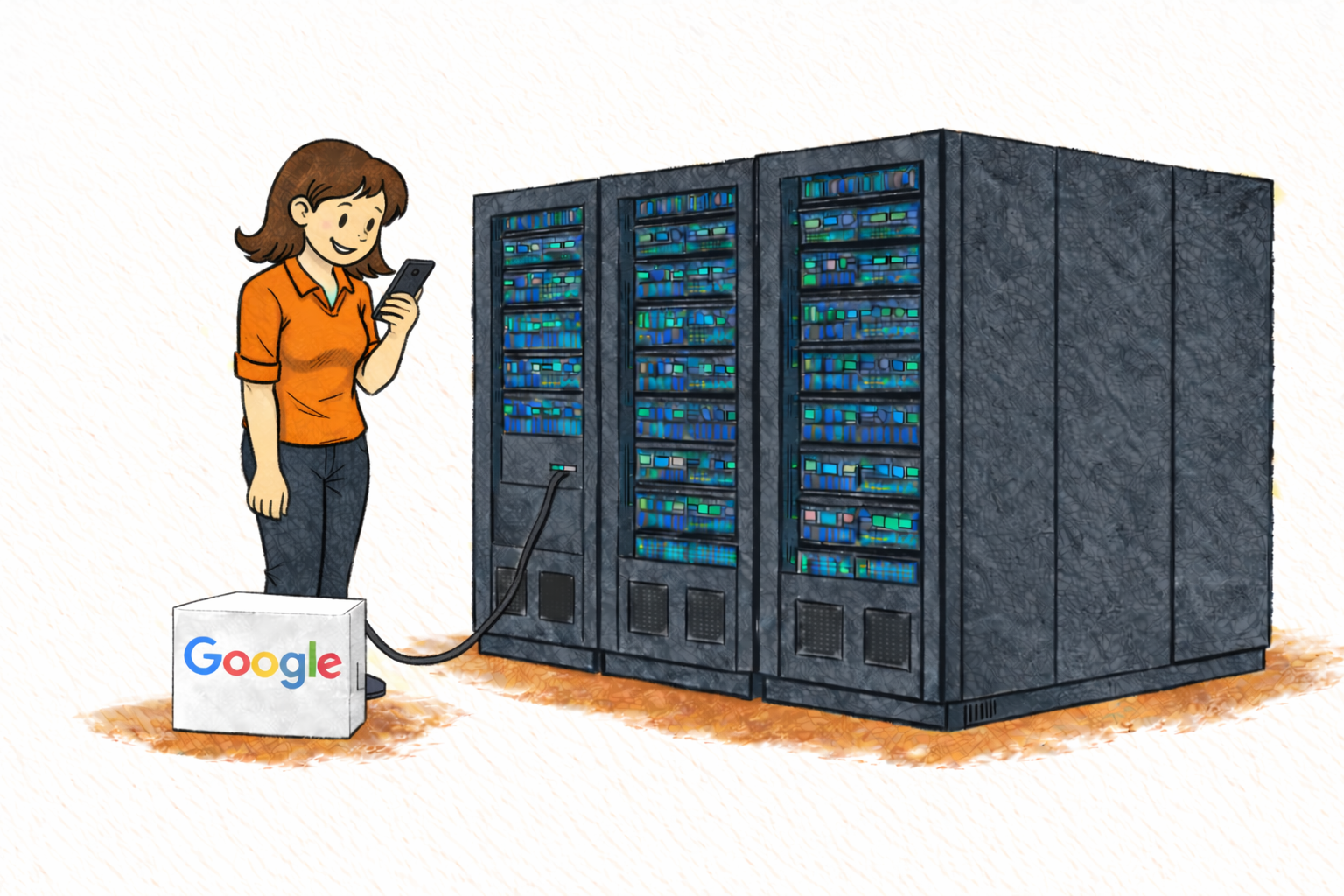
Vexly + Google Play
Your Android release command center, right where your team works
You Just Hit "Start Rollout"
Version 3.2.0 is going out -- staged rollout, 5% to start. You press the button, and the anxiety kicks in. You open Google Play Console, navigate the release overview, switch to Android Vitals, filter crashes by version, open tabs for ratings and reviews. Eleven clicks, four tabs, ten minutes gone -- and you'll repeat this every hour until you hit 100%.
Your PM pings: "Are we safe to go to 50%?" Your QA lead wants crash numbers. Your CTO asks about ANR rates on Samsung devices. Each time, you leave your IDE, re-authenticate into the console, navigate three screens, and relay the answer in Slack. The average Android team loses 40+ minutes daily on this cycle during a staged rollout -- time spent navigating instead of shipping.
Google Play Console is powerful, but it was built for deep investigation, not quick pulse checks. You shouldn't need five screens to answer a yes-or-no question.
Why Android Releases Are Uniquely Stressful
Your app runs on over 25,000 distinct devices across seven or more OS versions, and issues rarely surface in QA -- they surface in production, reported by users who leave a one-star review and move on.
A staged rollout from 5% to 100% typically takes 72 hours of continuous monitoring across crash rates, ANRs, device-specific regressions, and user sentiment. Every percentage bump is a decision: do the numbers look stable enough to widen the blast radius? That decision requires data from at least three different console views -- and someone with credentials to access them.
The result: a small group of developers becomes the team's unofficial Google Play proxy, relaying numbers instead of writing code.
Vexly Brings Google Play to Your Team Chat
Vexly connects to your Google Play Console and makes release data a conversational resource anyone can query from Slack, Discord, or Microsoft Teams. Ask a question in plain English and get a structured answer -- no tabs, no filters, no re-authenticating. The answer lands right where the conversation is already happening.
This covers rollout status, crash clusters, ANR rates, device breakdowns, user reviews, ratings trends, version history, and testing track data. Information stops being something you go and get -- it becomes something that's just available to everyone who needs it.
Before and After on Rollout Day
Without Vexly, your PM asks if the rollout is safe to widen -- a developer opens the console, checks crash rates, ANRs, and reviews across three screens, and relays the answer. QA wants device-specific crash data -- same developer digs through Android Vitals. The CTO asks for a rollout summary -- the PM spends 15 minutes compiling numbers manually. Half the team spent their day as console proxies instead of building features.
With Vexly, every one of those interactions takes seconds. The PM checks rollout health instantly. QA gets crash breakdowns they can file tickets against. The CTO gets a rollout summary in the team channel. Everyone self-serves. Developers stay in their IDE all day.
Each question only takes a few minutes the old way, but a dozen of them scattered across a 72-hour rollout fragments everyone's focus.
What You Can Ask Vexly
Top Queries for Android Teams
"What's the current rollout percentage for our production release?"
Track staged rollout progress without refreshing the console
"Are there any new crash clusters in version 3.2.0?"
Identify regressions the moment they surface
"What's our ANR rate for this version compared to the last release?"
Catch performance regressions before widening rollout
"Summarize reviews from the last 48 hours"
Get a sentiment snapshot during critical rollout windows
"What's our average rating this month vs. last month?"
Track how each release impacts user satisfaction over time
Anything you'd normally look up in Google Play Console -- rollout status, crash traces, ANR rates, review keywords, device breakdowns -- is fair game.
Who Benefits
Android Developers stop being the team's Play Console proxy and stay focused on code. Every self-served question is an interruption that never happens -- and during a staged rollout, those interruptions come every hour.
Product Managers check rollout health and make go/no-go decisions from Slack with real data instead of waiting for a developer to relay numbers from the console.
QA Engineers independently verify crash rates, cross-reference pre-launch test findings with live production data, and check whether reported bugs are known crashes with a fix already rolling out.
Customer Support can check whether a fix is in the current release or still in testing, responding to users with accurate timelines. Engineering Leads get a pulse on release health across multiple apps without opening a single console tab.
The Rollout Day Playbook
Pre-launch: Ask Vexly to check crash rates and ANR data from the latest internal testing track. Thirty seconds to surface issues that would otherwise compound at scale.
First hour at 5%: Monitor incoming crash clusters and early reviews. If something looks off, you have the data to halt immediately instead of discovering the problem at 25%.
Scaling to 25% and beyond: Compare ANR rates and crash-free sessions against the previous version. Ask for a review sentiment summary to catch negative trends before they snowball.
Full rollout and beyond: Query incoming reviews and crash reports in real time. When leadership asks "how's the release going?", get a summary and rating trend in seconds instead of 15 minutes of manual compilation.
Pro Tips
Pin Vexly in your release channel. Add it to a dedicated #android-releases channel so anyone can check rollout health without interrupting the developer who has console access.
Set a three-question morning check-in. Every morning during a staged rollout, ask: What's the crash-free rate? What's the ANR rate? Any negative review trends? This covers 80% of go/no-go decisions in under a minute.
Use staged rollout milestones as checkpoints. At each rollout bump (5%, 25%, 50%, 100%), ask Vexly for a full health summary. Share it in the release channel so the whole team has context, not just the person with console credentials.
Getting Started
Setup takes under two minutes. Connect your Google Play Console through OAuth, link Vexly to your Slack, Discord, or Teams workspace, and you're live. No SDK, no code to deploy, no dashboard to learn.
Related Reading
- Announcing Vexly -- Learn how Vexly connects your entire tool stack through one chat interface.
- Vexly + App Store Connect -- Shipping on both platforms? Manage iOS releases from chat too.
Your Android release data belongs where your team works
Connect Vexly to Google Play Console and turn console-checking into a simple conversation. Setup takes minutes.
View Documentation →