
Tame Your Cloud with Vexly + AWS
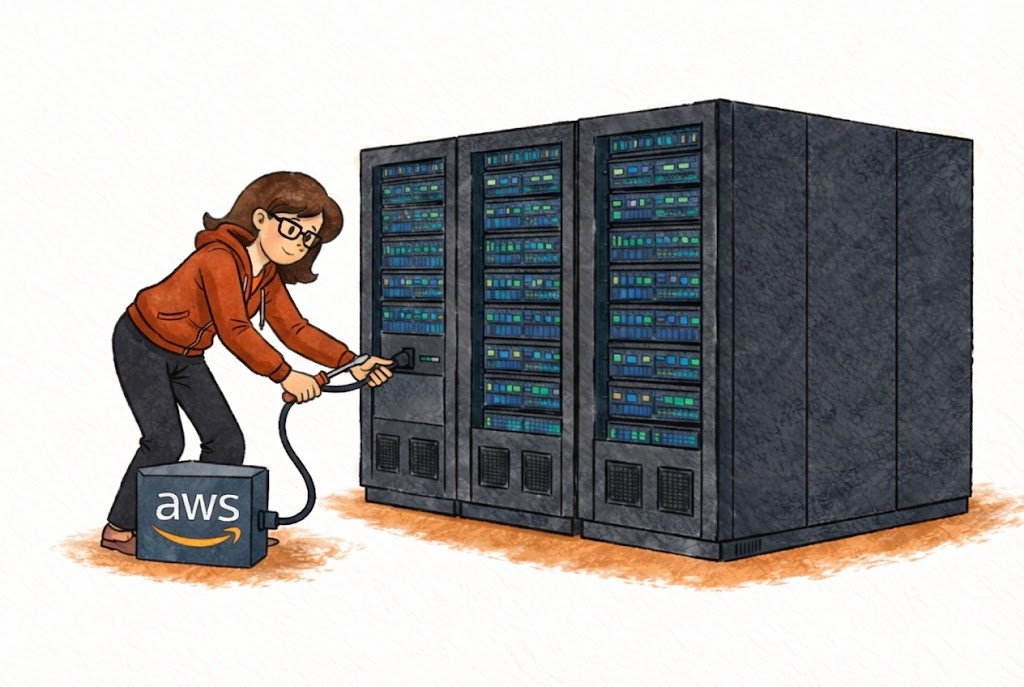
Vexly + AWS
Your cloud infrastructure, finally tamed
3 AM. PagerDuty Goes Off. Now What?
Your phone screams. CRITICAL: Production API response times > 5s. You fumble for the laptop, log into AWS -- MFA, wrong region, five dashboards later -- twenty minutes in, you've spent all that time navigating instead of diagnosing. Every infrastructure question carries that same console overhead: log in, find the service, apply filters, interpret the graph. Multiply by every question your team asks daily, and the real cost is not in dollars, but in attention.
What if you could just ask from your phone?
Vexly Brings Your Cloud to Chat
Vexly connects to your AWS account and translates natural language into infrastructure insights -- delivered right where your team already works. It covers compute (EC2, ECS), storage (S3), databases (RDS, DynamoDB), serverless (Lambda), monitoring (CloudWatch, CloudTrail), and billing (cost breakdowns, trends, budget alerts) -- all from a single chat message.
The Incident That Changes Everything
Friday night, 8:47 PM. Elevated error rates on the payments API. You open Slack:
"Show me CloudWatch alarms for payments." Two alarms firing. "Any unhealthy EC2 instances in the payments cluster?" One failing health checks. "What changed in payments infra in the last 4 hours?" A deployment pushed at 7:32 PM. Root cause identified in under three minutes, from your couch. Pair this with Vexly's GitHub integration and you can trace the exact commit that caused the issue in the same conversation.
Queries Every Cloud Team Should Know
Try these queries
"What's our total AWS spend this month compared to last month?"
Instant cost comparisons without Cost Explorer
"Show me all CloudWatch alarms in ALARM state"
Every firing alert without opening a dashboard
"What infrastructure changes happened in the last 6 hours?"
Trace recent changes during incidents
Follow up naturally -- "Break that down by service" -- and Vexly maintains context throughout the conversation.
Tips for Cloud Operations
Start every incident with three questions. What alarms are firing? What's unhealthy? What changed recently? This covers eighty percent of triage.
Run daily cost check-ins. Ask "What did we spend on AWS yesterday by service?" Catching anomalies early saves thousands before they compound.
Check before you deploy. Ask about instance health and active alarms before pushing to production.
Getting Started
Create a dedicated IAM user with read-only permissions, hand Vexly the credentials, and you're live. Vexly never modifies your infrastructure -- it only reads.
Quick Setup: Create Your AWS IAM User
Related Reading
- Announcing Vexly -- See how Vexly connects AWS with your entire tool stack through one chat interface.
- Vexly + GitHub -- Correlate infrastructure incidents with code changes to pinpoint root causes faster.
Your infrastructure deserves a better interface
Stop navigating. Start asking. Connect your AWS account and give your team instant cloud intelligence.
View Documentation →